
Spend less time on biodata
Import the biodata PDFs you already have. onehelper turns them into profiles, makes a tidy biodata PDF with your logo for every helper, and keeps your listings up to date.
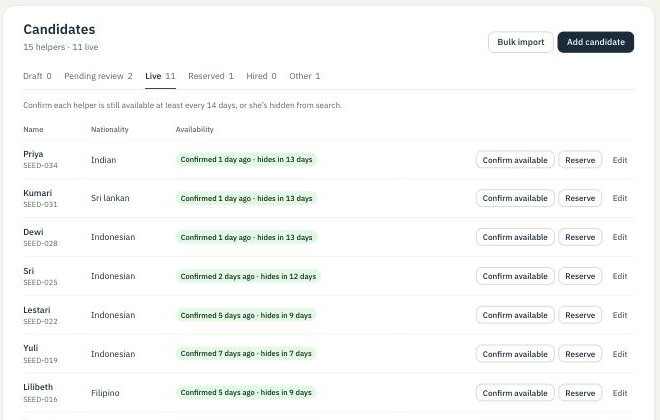
The paperwork, done once
Enter a helper once; onehelper does the rest of the listing work.
Import biodata PDFs
Upload the PDFs you already use, many at a time. The details are read for you, and you check each profile next to its PDF before it’s submitted.
A biodata PDF with your logo
Every approved helper gets a consistent biodata PDF with your agency’s name and logo, ready to send to a family.
Bulk import for large lists
Moving from another system? Import a JSON file using our template and field reference.
Download your data
Your helpers, leads, payments and reviews as CSV files whenever you need them.
Fresh listings in one tap
Families trust listings that are current. onehelper makes keeping them current quick.
- Re-confirm availability at least every 14 days, for one helper or all of them at once, on the web or in the app.
- Get a reminder a few days before a helper would be hidden.
- Mark hired or reserved so families only see helpers who are free.
Everything in one place
- The web portal holds your helpers, enquiries, families’ posts, payments and reviews.
- The onehelper app gives you enquiry alerts and one-tap re-confirming on your phone, with the same login.
- Each new or edited profile is checked by onehelper before families see it, and we tell you what to fix if it isn’t ready.
How your helpers look to families
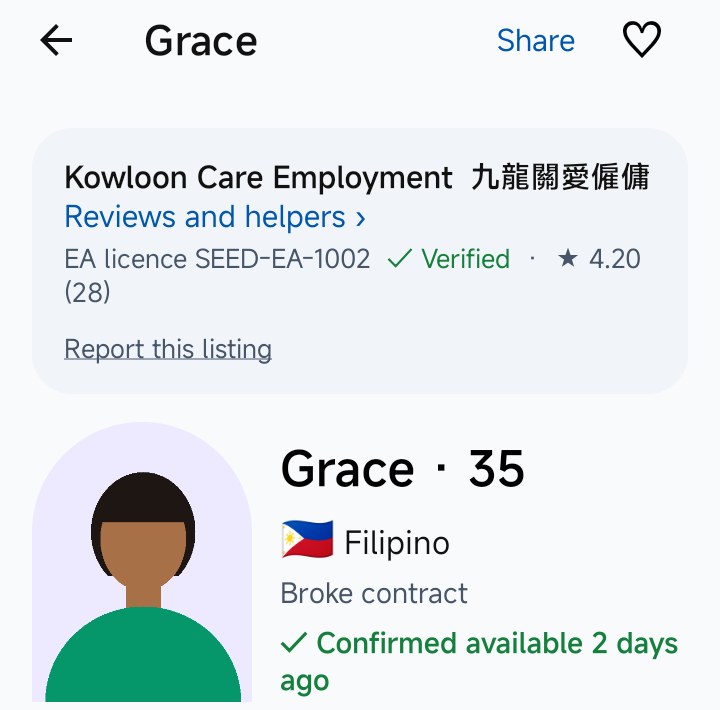
Her profile opens with your agency, your licence and a Verified mark.
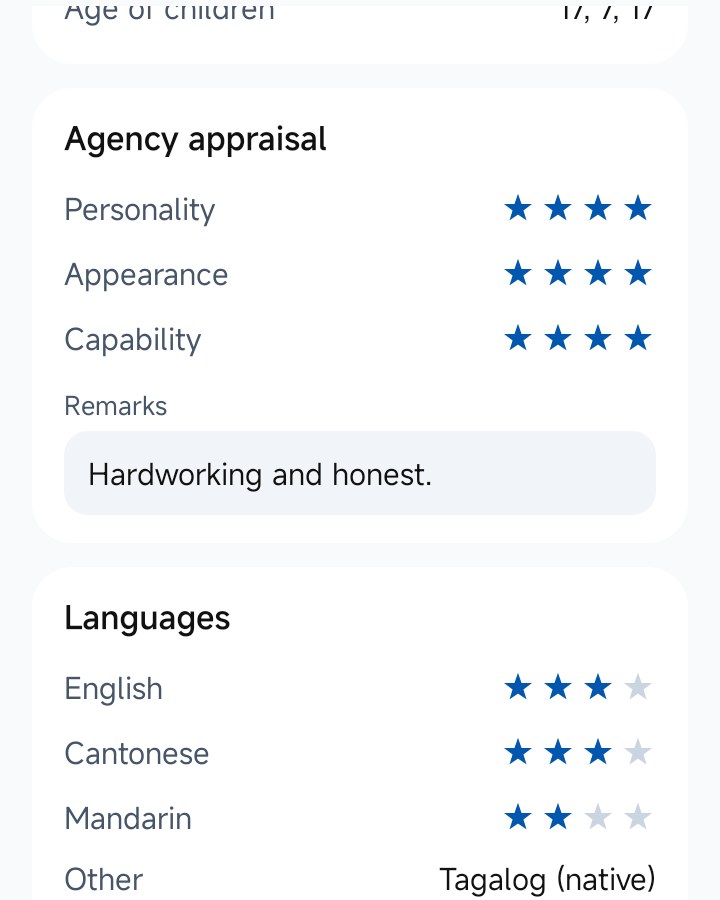
Your appraisal and skill ratings, readable at a glance.
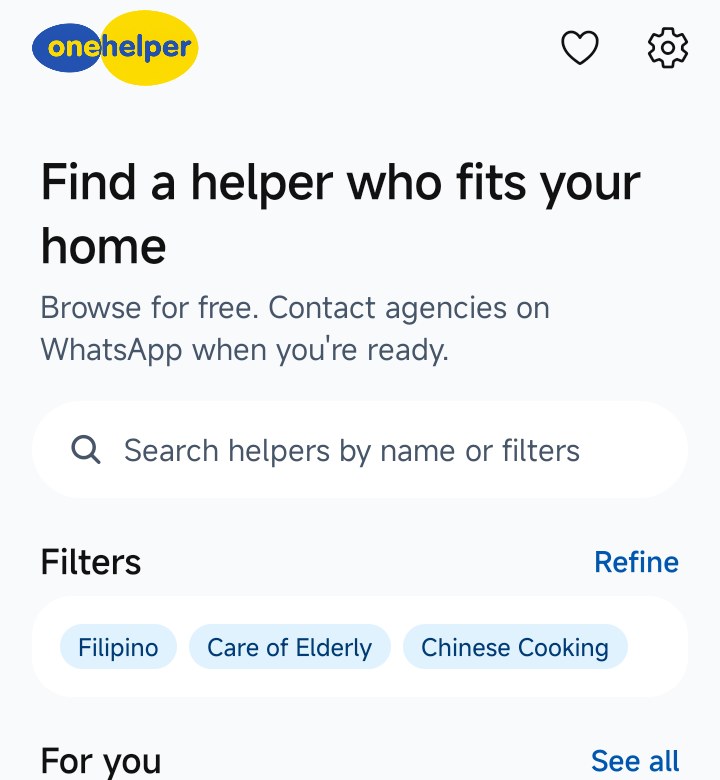
Families find her by what they need.
Questions
The biodata PDFs agencies commonly use. Each import is shown next to its PDF so you can check and correct it before it goes for review.
Yes, briefly. You confirm each imported profile, and onehelper reviews it before it’s published.
The app is for enquiry alerts, re-confirming availability, families’ posts, reviews and top-ups. Adding and editing helpers is on the web portal.